|
 |
 |
|||
 |
 |
 |
 |
||
IN THIS ISSUE |
||
| This Month's Topics | ||
|
» New Features |
||
| » System Requirements | ||
| » How to Upgrade | ||
Follow us! |
||
 |
||
 |
||
 |
linked in | |
 |
blog | |
Support Options |
||
| » Online Help | ||
| » (800) 383-3482 x4 | ||
other ITC Products |
||
| TurboRater | ||
|
State-of-the-art |
||
|
automobile comparative |
||
|
rater available in |
||
|
AR, CO, IL, IN, KS, KY, |
||
|
MO, OH, OK, TN, TX and |
||
|
VA |
||
| eTurboRater | ||
|
Offer online auto |
||
|
quotes to your website |
||
|
visitors. Available in |
||
|
AR, CO, IL, IN, KS, KY, |
||
|
MO, OH, OK, TN, TX and |
||
|
VA |
||
| Insurance Website | ||
|
Fully interactive |
||
|
agency websites with an |
||
|
affordable plan for you. |
||
| TurboStorm | ||
|
Florida Commercial |
||
|
Rating Solution |
||
Contact Us |
||
| Insurance | ||
| Technologies | ||
| Corporation | ||
| 1335 Valwood Pkwy | ||
| Suite 108 | ||
| Carrollton TX 75006 | ||
| (800) 383-3482 x189 | ||
| www.insuranceproonline.com | ||
| New Features ! | |||||||||||||||||||||||||||||||||||||||||||||||||||
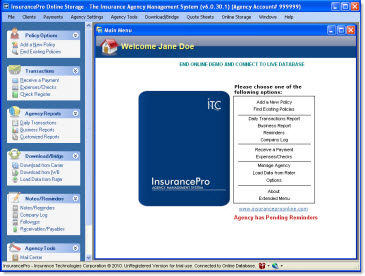
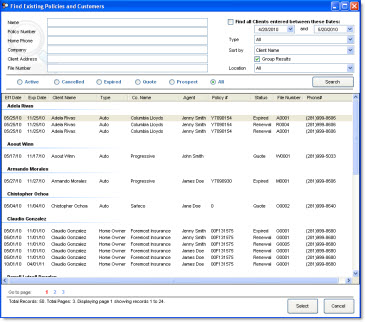
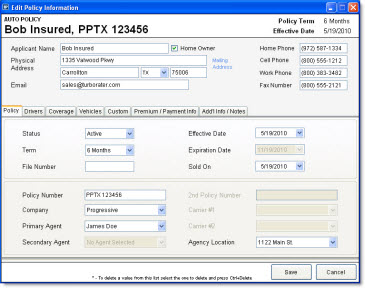
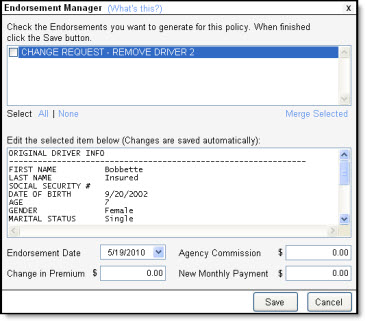
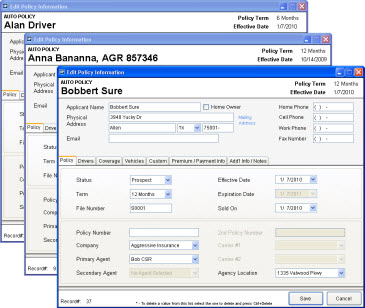
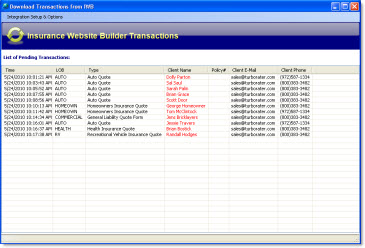
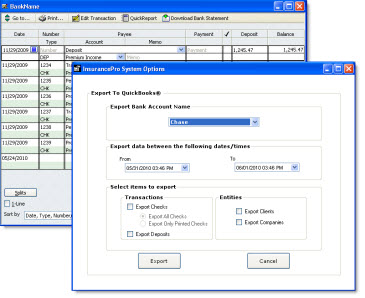
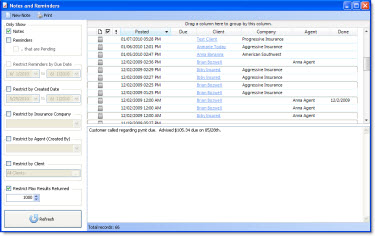
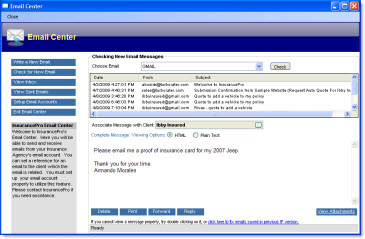
| We are excited to announce the release of InsurancePro 6.0. This upgrade is provided to you at no additional cost, includes several new enhancements and updating is easy. | |||||||||||||||||||||||||||||||||||||||||||||||||||
|
|||||||||||||||||||||||||||||||||||||||||||||||||||
| System Requirements | |||||||||||||||||||||||||||||||||||||||||||||||||||
|
|||||||||||||||||||||||||||||||||||||||||||||||||||
|
|||||||||||||||||||||||||||||||||||||||||||||||||||
|
|||||||||||||||||||||||||||||||||||||||||||||||||||
|
|||||||||||||||||||||||||||||||||||||||||||||||||||
| How To Upgrade | |||||||||||||||||||||||||||||||||||||||||||||||||||
| The upgrade procedure must be completed on all computers used to access InsurancePro. The procedure takes approximately ten minutes per computer. Every computer must be upgraded before accessing your InsurancePro database or data corruption could occur. | |||||||||||||||||||||||||||||||||||||||||||||||||||
| To upgrade to InsurancePro 6.0, a subscription to online storage is required. | |||||||||||||||||||||||||||||||||||||||||||||||||||
| To begin the installation procedure, click on the following link and follow the prompts. If you have already upgraded to InsurancePro 6.0, no further action will be required on your part. | |||||||||||||||||||||||||||||||||||||||||||||||||||
|
http://www.insuranceproonline.com/downloads/ip/v6_0/IPUA/IPUASetup.exe |
|||||||||||||||||||||||||||||||||||||||||||||||||||